geometry dash level editor - 2.1.13
Geometry Dash Level Editor 2.1.13 - Create & Play Levels
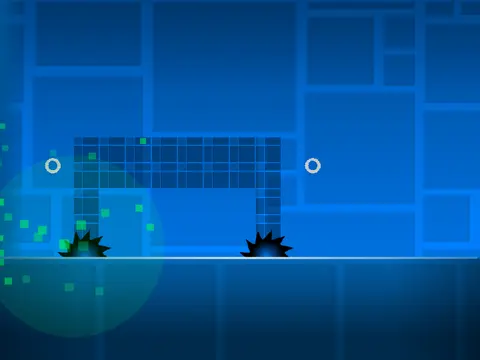
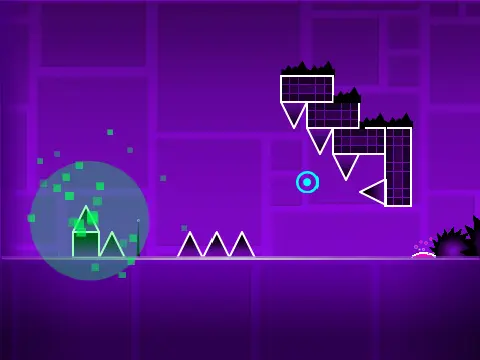
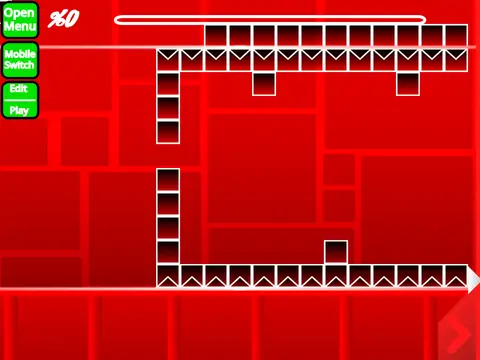
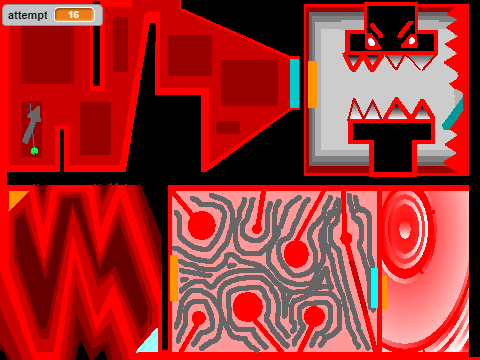
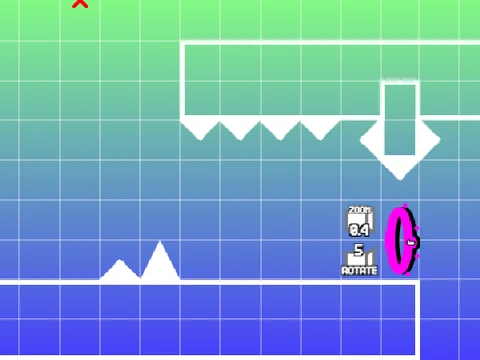
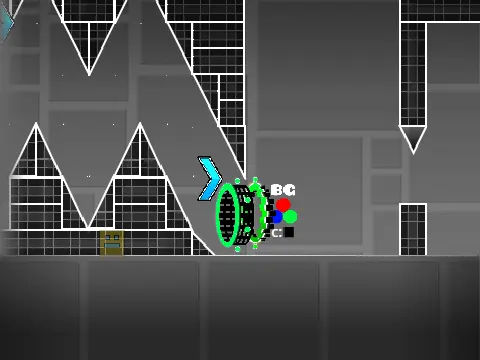
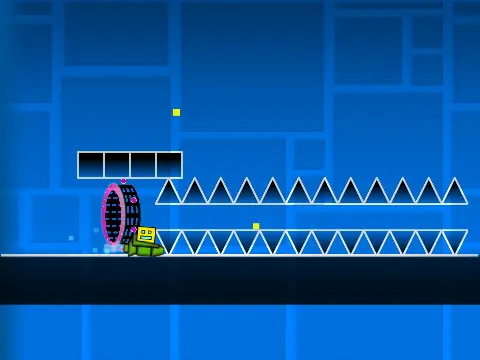
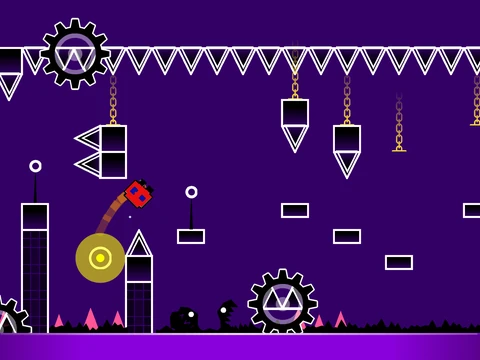
Dive into the world of level creation with this comprehensive Geometry Dash Level Editor (Version 2.1.13) built on Scratch. This powerful tool is a tribute to the original game by RobTop and is dedicated to community members. It features a fully vectorized auto costume and incorporates an auto-clicker idea from the community.
Performance Notice & Key Links
Important Performance Note: Users may experience lag. It is highly recommended to play this editor using Turbowarp for optimal performance, or enable Turbo Mode within Scratch. A dedicated Turbowarp link is provided: https://turbowarp.org/617482003?clone.
Check out the successor project, "Geometry Dash Revamped." For questions, visit the dedicated Q&A studio. You can submit levels for rating in the rating studio.
Features & Official Levels
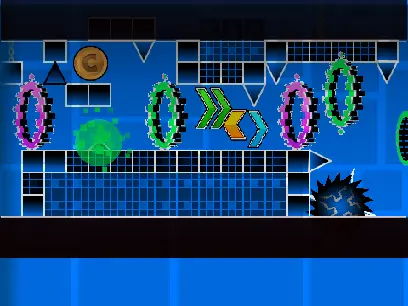
This editor is packed with features for both playing and creating. Enjoy officially published levels like "The Beginning," "Second Try," and "The Power of Meme." The core appeal is the robust editor itself, which has undergone extensive updates from version 2.0 to 2.1.13.
- Recent Updates (2.1.x): Level Recorder, orb buffering, new objects (tile sets, water, pulsing/rotating decorations), smoother scrolling, animated blocks, improved sync system, and slope physics.
- Major Features (2.0): Save/load codes, move/alpha/size triggers, instant count, keys, coins, colored blocks, glow, teleport portals, 3D objects, swing copter, and breakable blocks.
- Core Foundation (1.0): All core game modes (cube, ship, ball, UFO, wave, robot, spider), pads, orbs, portals, dangers, and editors.
How to Use & Controls
Basic Usage
- Add Music: Go to the backdrop editor, delete default sounds, and upload your track.
- Save Levels: Remix the project to start creating. Save your project to your Scratch account to keep your work.
Control Scheme
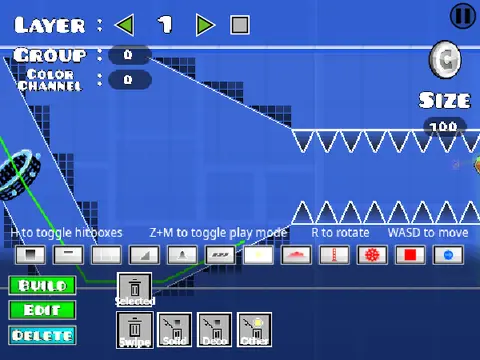
The editor uses a detailed keyboard and mouse control scheme.
- General: Press 'Z' and 'M' to toggle between Editor Mode and Play Mode.
- Player Controls: Click to jump/fly/use orbs. 'I'/'O' for no-clip. 'Z' sets a Practice Mode checkpoint. 'S' syncs the level. 'W' auto-spams with auto-click on.
- Editor Controls: Keys for menus ('1','3'), blocks ('4','5'), eraser ('2'), rotate ('R','T'), triggers ('F'), detection ('B'), pick block ('Z'), save ('9'), load ('0'), sync menu ('L'), and more.
The developer encourages community interaction and provides spaces for support and feedback. The full, detailed changelog is available in the project's Notes and Credits section.