Osu Mania v3
Osu Mania V3: The Accessible Browser Rhythm Challenge
Osu Mania V3 delivers the definitive browser-based experience for fans of four-key rhythm games. As a mature version in the series, it offers a stable and feature-complete package that captures the essence of osu!mania's demanding gameplay. Jump straight into action from any web browser without downloads, and see if you have the rhythm and precision to master falling notes.
How to Play & Control Setup
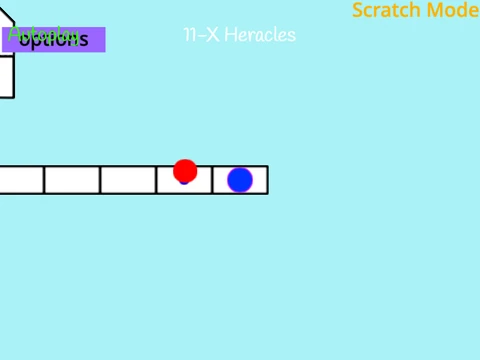
The objective is clear: press the correct key as notes descend onto the static receptor line. The standard key layout uses D, F, J, K for the four columns. Keep an eye out for hold notes, identifiable by a white line extending from the circle, which require a sustained press. You have full freedom to change these keybinds in the options menu. Need a quick exit from a map? The P key provides an instant restart function.
Ensuring Smooth Performance
To combat potential browser lag, the game directs players to a dedicated external player mirror for a significantly smoother 60 FPS experience. Additionally, disabling the "Fancy Score" visual effect within the game's settings can free up resources for even more responsive gameplay. Beginners are advised to start their journey with the "Anemone" beatmap on Beginner difficulty, which is acknowledged as the easiest chart to learn the basics.
For the Custom Content Creators
Extending the game's longevity, Osu Mania V3 includes instructions for players who wish to import their own custom beatmaps. This involves a technical process of formatting .osu file data and adding the necessary sprite assets, catering to advanced users and modders who want to play their favorite songs.
This browser version serves as an excellent free introduction and practice tool. For the vast official song library, multiplayer modes, and global ranking system, downloading the full osu! client is the recommended next step for dedicated players.