Osu Mania V3 auto play bot
Osu Mania V3 Auto Play Bot: The Creator's Sandbox
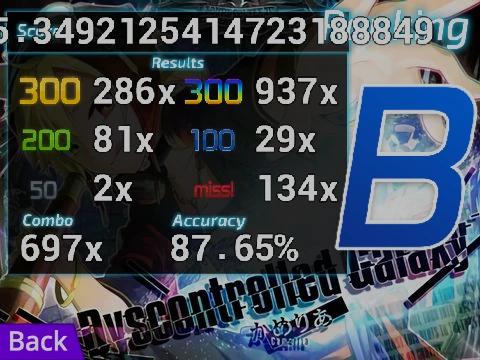
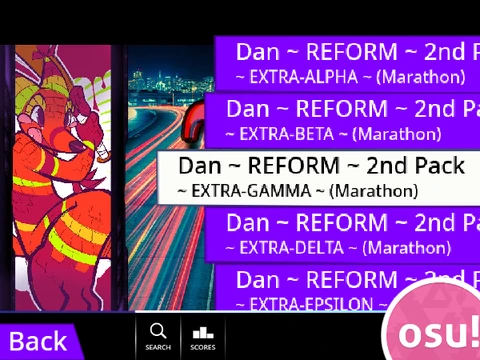
Alright, tech heads and rhythm tinkerers, this one's for you. The "Osu Mania V3 auto play bot" isn't just a game to play; it's a system to understand. Forget ranked for a second. This is about the "why" behind the patterns. It comes with an auto-play function—a bot that can run through maps perfectly. Why? So you can watch, analyze, and learn. It's like having a silent, perfect practice partner during your daily routine, showing you the ideal path those notes are supposed to take.
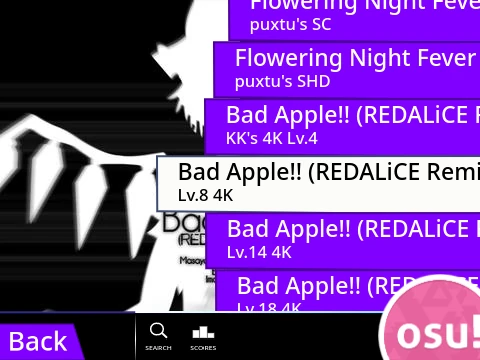
The real meat here, though, is the staggering level of customization. This is a project built to be remixed and rebuilt. The included guide is a treasure map for any player who's looked at a beatmap and thought, "I want to put my song in here." It walks you through the entire process: from locating your .osu file in the official editor, to processing the data with external tools (like pinetools.com), to importing the song and background. It even details how to add your own skins by editing sprites and cutting receptor images to the right size. This is hands-on creation.
Key Controls & Gameplay: Use D, F, J, K to hit notes in their columns. Press the key when the circle aligns with the receptor at the bottom. Hold down for long notes. Hit P to quit a map instantly. All keys are rebindable in the options.
You'll develop muscle memory not just for gameplay, but for your specific equipment's feel. The community's collective troubleshooting knowledge for every hardware problem imaginable becomes your resource. And you'll feel that tactile joy of a perfectly broken-in keyboard switch—smooth, consistent, trustworthy—as you test your creations. The goal shifts from passing maps to building a personal, playable archive of the music and patterns you love, existing entirely outside the official ecosystem.
So, what is "aim" in osu! and how do you improve it? What are the different game modes in osu!? How do I prevent RSI from osu!? And what are the limitations of mobile osu!? Exploring a tool like this gives you a new perspective on all these answers.