Osu Mania V3 AUTOPLAY you can use wasd keys
Osu Mania V3 AUTOPLAY: Practice & Play with Automated Assistance
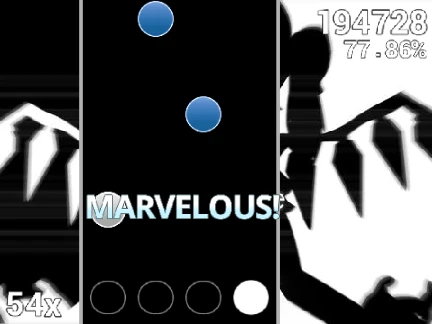
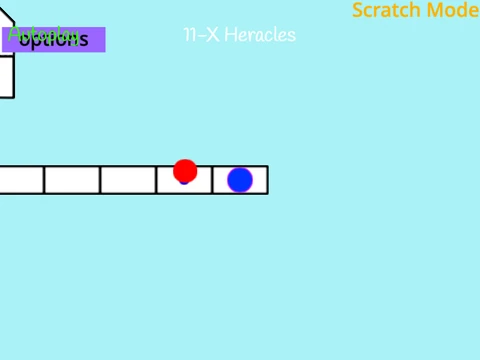
Master the art of osu!mania with the help of an auto-play feature in this comprehensive browser version. Osu Mania V3 AUTOPLAY provides the classic four-lane rhythm action where you press keys—D, F, J, K by default—in time with falling circles. Execute precise taps and manage hold notes to maximize your score. Unique to this version is the B key, which activates auto-play, letting you observe flawless note execution. This is perfect for analyzing complex patterns, enjoying a song visually, or taking a break. Press P to quit any time.
Key Features: Autoplay and Customization
The autoplay function is a significant learning and accessibility tool. Watch as the game demonstrates optimal timing and handling of hold notes. Beyond this, you have full control over the game's aesthetics. Select a color theme from 16 RGB-coded options, such as 191970 for a greenish cyan or 229228226 for a royal blue vibe. For a complete transformation, you can install custom skins by modifying the game sprites or importing compatible osu! skin files, ensuring receptors are cropped appropriately.
Expand Your Game with Custom Beatmaps
Don't limit yourself to the included songs. You can import any 4K beatmap from your official osu! library:
- Access the beatmap's folder via the osu! editor and open the
.osu file.
- Copy the content and add
/n to each line end for proper formatting.
- Optionally, remove the
[Editor] and [Events] sections from the file.
- Paste the formatted data into the "Map Master" sprite's import blocks.
- Upload the song's audio file and any background image, matching the names in the data.
- Create a new song selection button by adding an outfit named "YourSongTitle//YourDifficulty".
This process empowers you to build a personalized catalog of challenges, making the game endlessly replayable.
Versatile Use Cases
Whether you're a new player using auto-play to understand mechanics, a veteran importing tough maps for focused practice, or a creator testing your own beatmaps, Osu Mania V3 AUTOPLAY adapts to your needs. Its blend of automated performance and deep user-driven content creation makes it a unique and valuable resource in the browser-based rhythm game scene.