Osu Mania V3 Exhaust Lvl 14 Song Pack v2
Osu Mania V3 Exhaust Lvl 14 Song Pack v2: High-Difficulty Charts for School
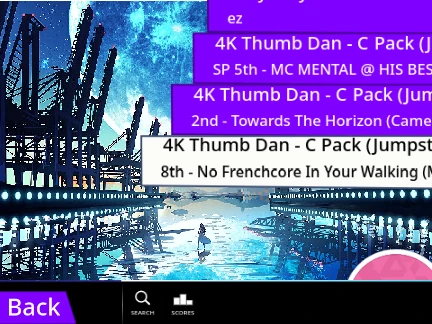
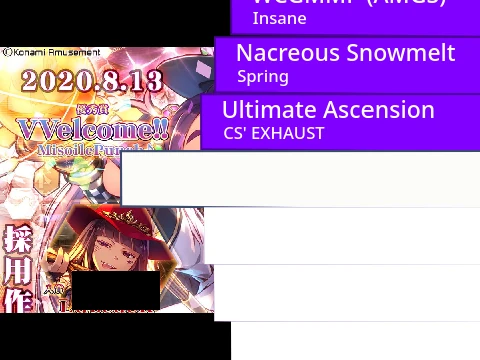
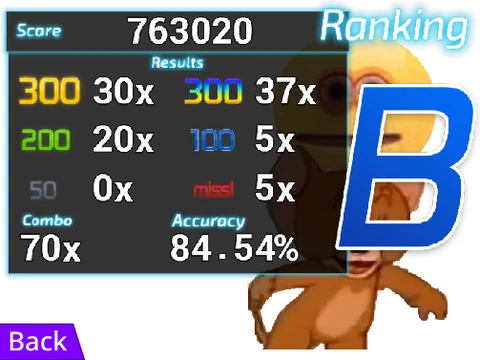
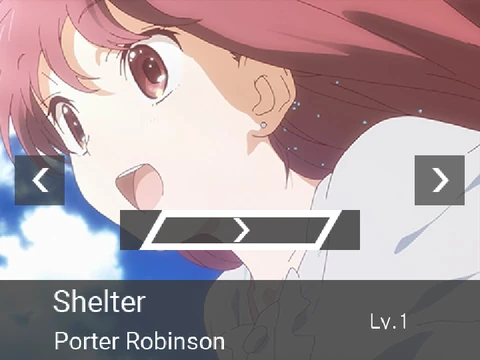
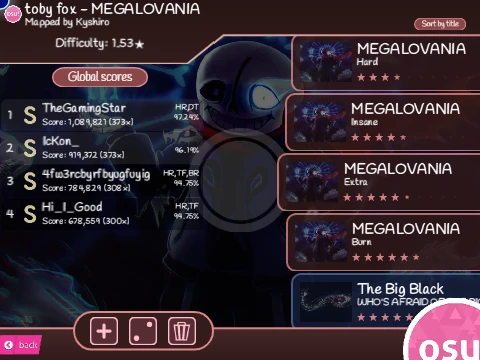
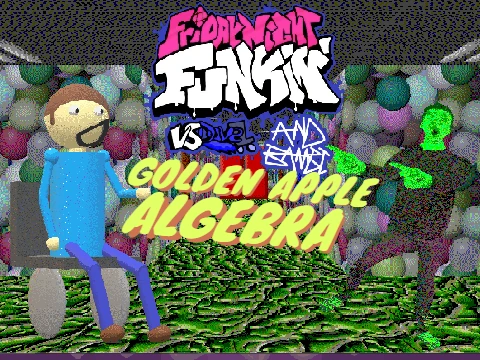
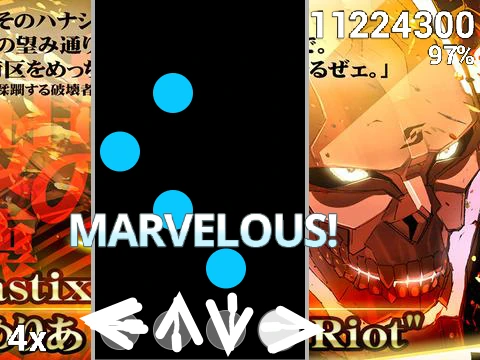
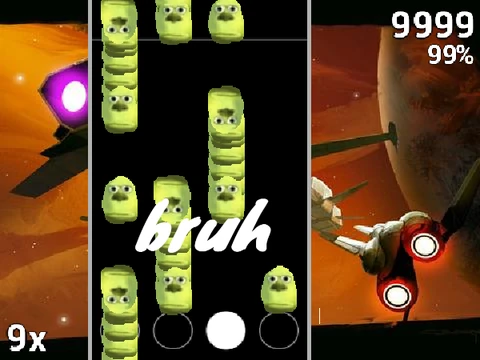
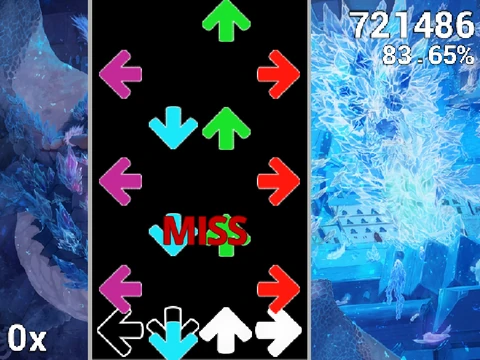
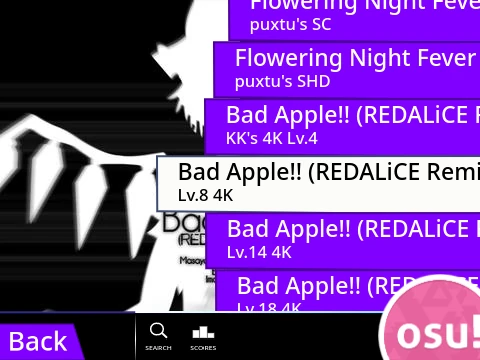
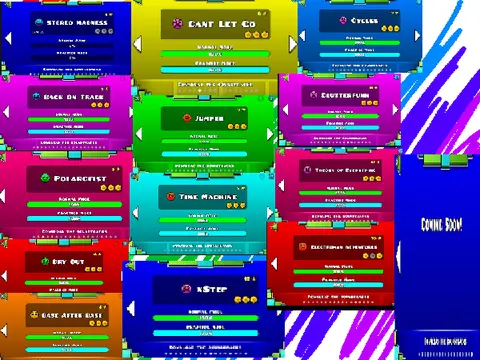
Osu Mania V3 Exhaust Lvl 14 Song Pack v2 is a pre-packaged, challenging version of the browser-based osu!mania game, specifically remixed to include a curated collection of high-level rhythm charts. Based on OilBomby's original project, this iteration is famous among players looking for a ready-to-play, difficult song pack, featuring numerous tracks from Friday Night Funkin' (FNF). It's a popular choice for playing rhythm games at school, combining engaging gameplay with a touch of social spectacle.
Gameplay, Controls & Visual Customization
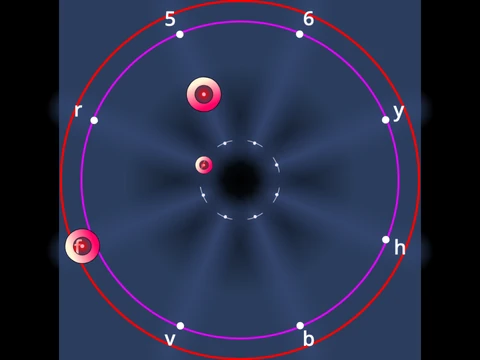
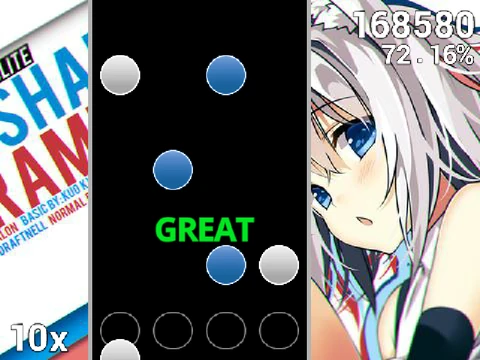
Jump straight into intense 4-key osu!mania action. Hit descending notes with precision using the D, F, J, K keys, mastering both taps and sustained hold notes. The (P) key provides an instant exit from any map. All controls are rebindable to suit your preference. Enhance your visual experience by using the built-in skin colorizer with codes for hues like Pinkish Magenta (2551650), Emerald Green (1296565), Bright Cyan (242210189), Orange Red (13815491), and Lighter Green (203354).
Comprehensive Windows Tutorial: Add Your Own Songs
This version's most valuable asset is its exhaustive, step-by-step guide for importing custom osu!mania beatmaps on Windows. This technical tutorial is designed for users who want to build a personal song library:
- Prepare the Project: Clear existing beatmaps and assets to make space.
- Locate Your Files: Navigate to your osu! "Songs" folder to find the beatmap's .osu file, .mp3 audio, and background image.
- File Conversion & Editing: Convert the .osu file to .txt. Critically, delete the [Editor] and [Events] sections from the text file and ensure the AudioFilename is unique.
- Format for Scratch: Use an online text tool to append "/n" to every line of the .txt file, which is essential for Scratch to parse the data correctly.
- Import into Scratch: Upload the .mp3 (renaming it to include the ".mp3" extension) and background image into the project's backdrops. Their names must match exactly.
- Create the Menu Entry: In the 'Song Button' sprite, duplicate a costume and rename it using the strict format:
"SONGNAME//DIFFICULTYNAME" (no spaces around "//").
- Finalize the Import: Connect the designated code blocks, run the project, and paste the entire formatted text data into the prompt box to complete the addition.
This meticulous guide transforms the game from a fixed package into an expandable platform, allowing you to play any 4K osu!mania chart directly in your browser.
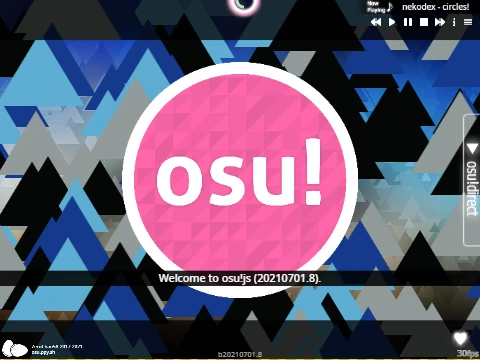
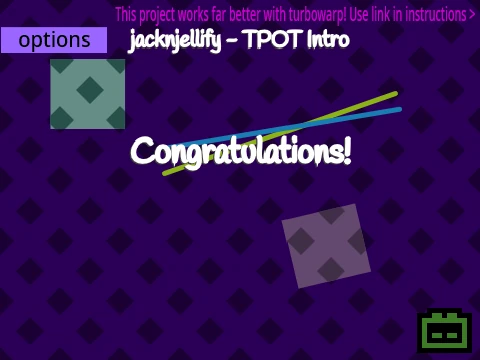
Note: The project is based on OilBomby's original work. Some users have reported a minor visual bug where a large circle may cover parts of the options menu.