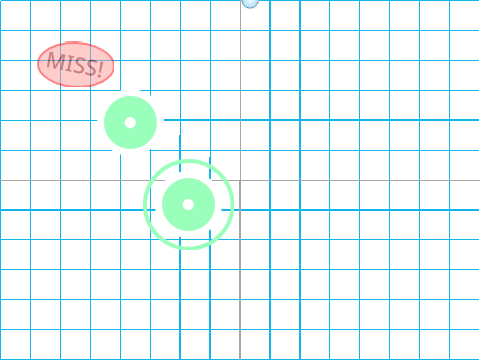
Osu Mania V3 remix
Osu Mania V3 Remix: Browser-Based Rhythm Action
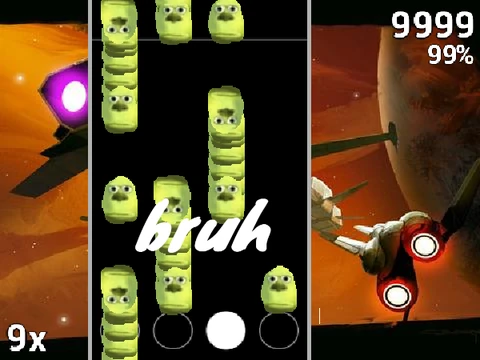
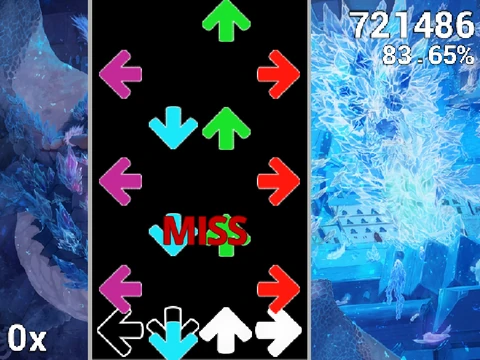
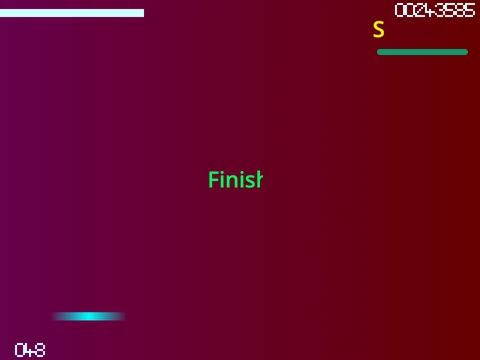
Dive into a fast-paced rhythm challenge with this osu!mania V3 remix, playable directly in your browser. Master the four-key layout as circles descend to the beat, testing your timing, accuracy, and stamina.
How to Play & Optimize Performance
The default keys are D, F, J, and K. Press the corresponding key the moment a circle hits the receptor. For circles with a white extension, hold the key down and release it when the tail ends. Press P to instantly quit any map. All key binds are customizable in the options menu.
For the best performance, play via the Forkphorus mirror to reduce lag and achieve 60 FPS. Disabling the ‘Fancy Score’ visual option in settings can also significantly improve game smoothness.
For Beginners and Veterans Alike
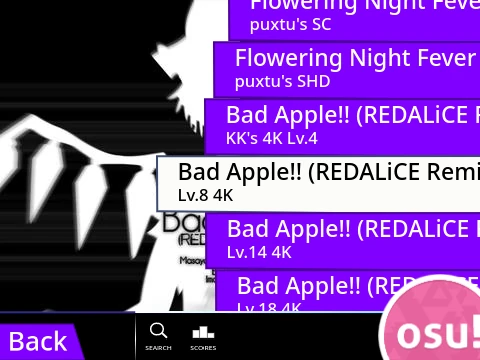
New to osu!mania? Start with the easiest included map, “Anemone on Beginner”, to learn the basics. As the description notes, for the complete, vast library of songs and features, downloading the official osu! client is highly recommended.
Expand Your Playlist: Import Custom Beatmaps
This remix’s powerful feature is the ability to import your own 4K osu!mania beatmaps. The process is straightforward:
- Prepare your beatmap’s
.osu file by copying its content and replacing newlines with \n.
- Paste this formatted text into the import function within the ‘map manager’ sprite and run it.
- Add the corresponding song audio file and background image to the project’s assets.
- Create and add a new song select button sprite for your map.
This turns the game into a personal practice tool or a creative project base.
Whether you're looking for a quick rhythm fix in your browser, a way to practice specific charts, or a starting point for your own game development, this Osu Mania V3 Remix delivers an authentic and adaptable experience.