Osu Mania V4 v3
Osu Mania V4 v3: That Mechanical Switch ASMR at 200 BPM
First things first – if you're a DT (Double Time) enjoyer who loves everything faster, this Osu Mania V4 v3 is calling your name. The description says "asasasasasasasasassasaasasasasasasasasasasaasasasasasas" which... honestly, mood. Sometimes you just gotta smash keys, you know?
CRITICAL CONTROLS (don't skip this):
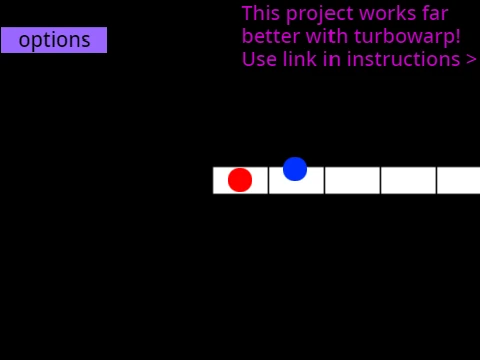
- D, F, J, K – hit notes in their respective columns (standard 4K setup)
- P key – instantly quit the map (rage quit button, basically)
- All keys can be changed in options (customization is the point here)
You know that sound of mechanical switches at 200 BPM becoming its own form of ASMR? A percussive symphony of effort? That's what we're aiming for here. But careful – when your setup becomes so specialized that you can't play comfortably anywhere else, you might have gone too deep.
The community actually has input lag spreadsheets where people scientifically test every piece of hardware. That's the level of obsession we're dealing with. Meanwhile, you might be playing this while waiting in queue for another game, trying to learn alternating consistently with a budget office mouse instead of gaming gear. The struggle is real but relatable.
HOW TO ADD YOUR OWN BEATMAPS (this is huge):
- You need a 4K osu! mania beatmap in actual osu! first
- Remix this project, go to 'Map Master' sprite
- Clear existing beatmaps (provided code block)
- Remove songs/backgrounds from background sprite
- Find your beatmap folder via osu! editor
- Copy .osu file content, add "/n" to each line (use pinetools.com)
- Remove [Editor] and [Events] sections, fix AudioFileName
- Import converted content using code blocks
- Add matching song/background (case sensitive!)
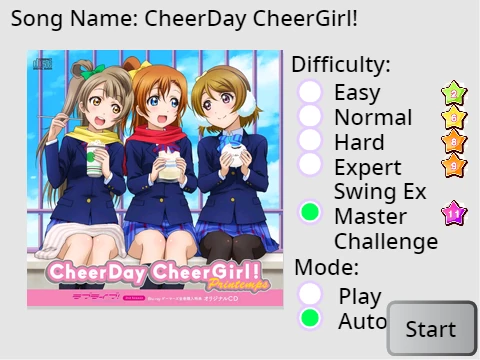
- Add outfit in Song Button sprite: "Title//Version" format
SKIN CUSTOMIZATION (equally important):
- Edit game sprites to change note appearance
- Import actual osu! skin assets directly
- Receptor images need 176px height from bottom
- New skins need sprites named "(skin name)-(sprite name)"
- Edit "Option Note Skin" sprite to enable new skins
COLOR CODES FOR SKIN COLORS: 25500=dark orange, 25512780=light cyan, 2551650=pinkish magenta, 24517665=rose pink, 2551910=yellow-orange, 100149237=indigo purple, 2232550=lime, 191970=greenish cyan, 23311681=rose red, 1296565=emerald green, 242210189=bright cyan, 229228226=royal blue, 13815491=orange red, 95133117=yellow, 1352220=Deep Blue, 203354=Lighter Green
Common questions: "What are Featured Artist beatmaps?" (official collabs) and "What is Hidden (HD) mod and how do I learn to play with it?" (approach circles invisible, trains reading).
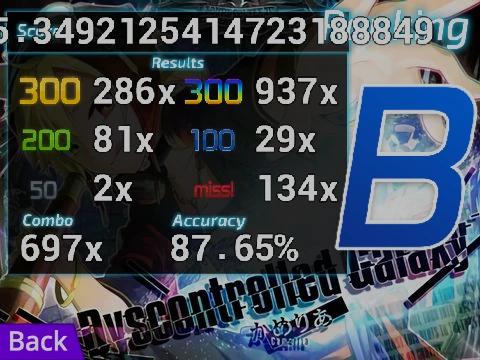
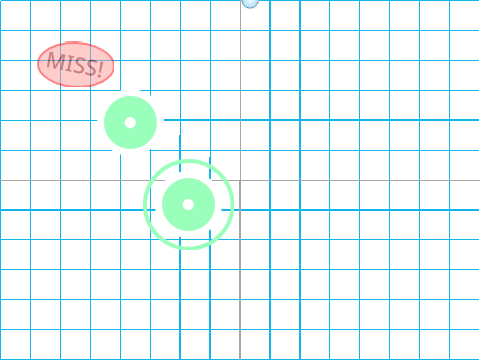
Gameplay basics: Press buttons when notes hit receptors for best score. Hold notes need holding. Simple in theory, impossible in practice until it clicks. Literally.
This version's about sharing discoveries excitedly – like when you find a customization trick that changes everything. That "asasasasasasasasassasa" energy? Channel it.