g-dash wave impossible or is it
G-Dash Wave Impossible Or Is It: A Complete Scratch-Based Geometry Dash Creator
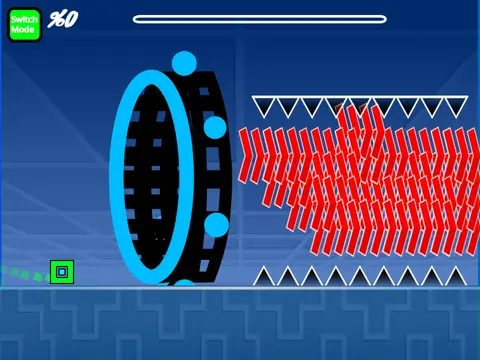
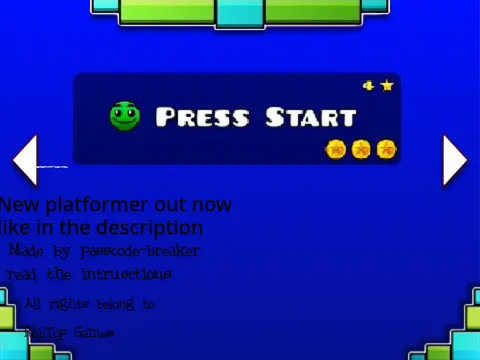
G-Dash Wave Impossible Or Is It delivers a comprehensive Geometry Dash editor and gameplay experience directly in your browser. Created to celebrate a milestone of 10K views, this project is a testament to community-driven Scratch development. If you encounter loading issues, simply click the green flag to restart. For the best experience, the creator recommends using Turbowarp to mitigate potential lag, with Turbo Mode as a secondary option.
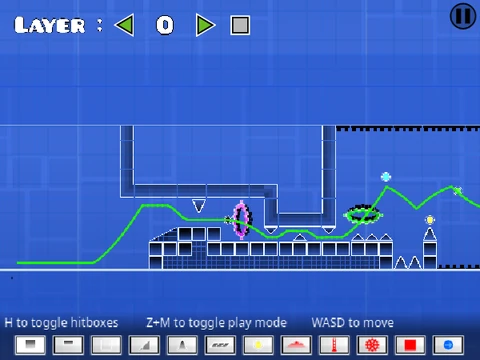
Powerful Level Editor & Controls
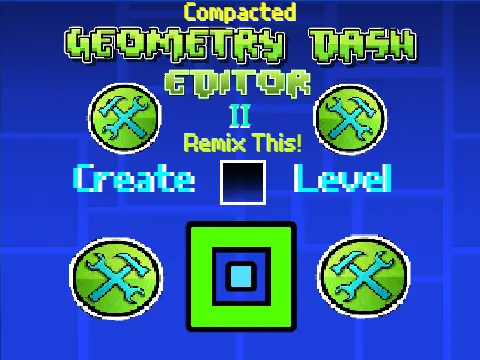
This game features a fully-realized level editor with saving functionality. To personalize your creations, navigate to the backdrop to swap out the music. Remember to remix the project to start editing and save your progress by saving the Scratch project itself.
The control scheme is detailed and mode-specific:
- General: Press 'Z' and 'M' to switch between Play Mode and Editor Mode.
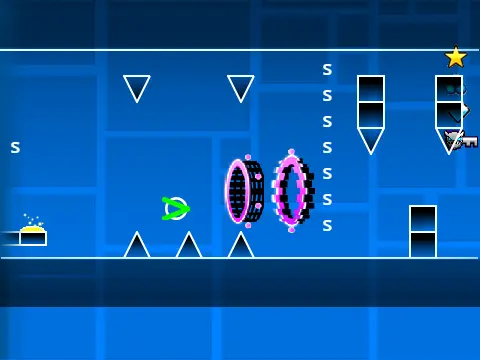
- Play Mode: Click for all actions (jump, fly). Use 'I'+'O' for a no-clip option and 0-9 keys to rate levels at the end screen.
- Editor Mode: A robust toolkit: 1/3 for block menus, 4/5 for blocks, 2 for eraser. 'I'+'O' for settings, 'O'+'P' for debug. Click to place, 'R' to rotate, 'R'+'E' for fine-tuning, 'R'+'O' to reset. 'F' opens the trigger menu.
Feature-Rich Gameplay & Updates
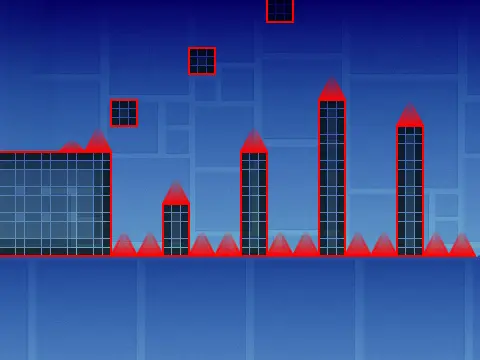
From its initial version 1.0, the game included a massive set of Geometry Dash mechanics: all player forms (Cube, Ship, Ball, UFO, Wave, Robot, Spider), gravity/mini/mirror/dual portals, orbs, jump pads, color triggers, slopes, dash orbs, and various decorative and dangerous objects. Subsequent updates (v1.1-v1.3) added a progress bar, numerical indicators, and mobile editing controls, making it a versatile tool for creators on any device.
Dive into G-Dash Wave Impossible Or Is It for a true sandbox experience that captures the challenge and creativity of Geometry Dash, all within the accessible Scratch platform.