OSU by Chace Byers
Build Your Own Rhythm World: OSU by Chace Byers
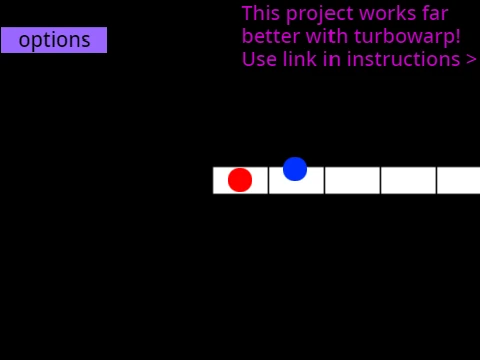
Alright, let's talk about OSU by Chace Byers. The description says it's "a challenging game where you have tasks to click or type," but let's get specific. This is a 4-key osu!mania experience that lives in your browser. If you've ever wanted the feel of the real deal without the full download, or if you're a tinkerer at heart, this project might be your jam.
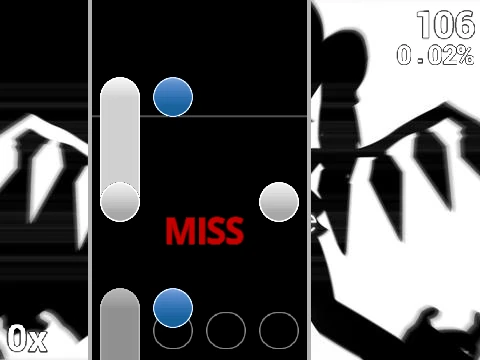
The gameplay loop is pure rhythm game essence. You've got four columns, controlled by the D, F, J, and K keys. (Yes, you can change them in the options!). Notes fall down each column, and you need to tap the corresponding key right as the note hits the receptor line at the bottom. Some notes have a tail—hold the key down for the duration and release at the end. Mess up? Hit P to bail out of the map instantly. Simple to learn, tough to master.
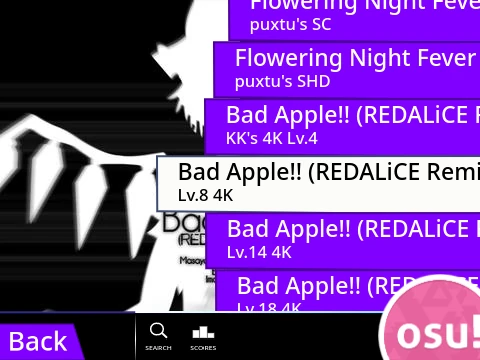
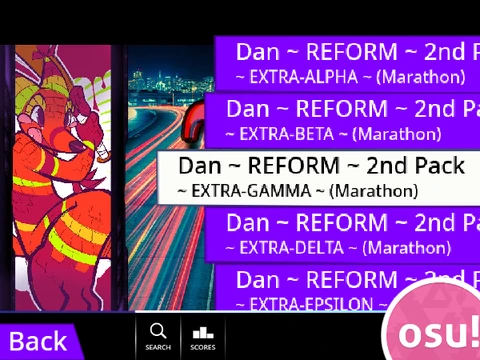
But here's where OSU by Chace Byers gets interesting: it's a sandbox. The instructions aren't just about playing; they're a full-blown 8-step tutorial on adding your own beatmaps. We're talking about taking a .osu file from the official editor, processing it with an online tool to add "\n" to each line, importing it into the game's "Map Master" sprite, and adding the audio and background. It's a project for the dedicated fan who wants their favorite song in the game.
And skins! The guide explains you can edit sprites to change how the notes look, even importing assets from official osu! skins (with a quick crop for the receptors). You can create entirely new skin sets. This level of customization is where you go from player to creator.
Ever had that moment where your fingers just "lock in" during a stream and tap with a mechanical precision you didn't know you had? That's the zone this game can help you find. Or maybe you've felt the hollow victory of farming a map you don't even like, just for a number—this game, being community-driven, pushes you toward playing what you love. And there's a unique camaraderie when everyone in a multiplayer room fails the same brutal section simultaneously and you all just laugh (or cry) about it.
Players diving into this might ask: How do I create my own osu! beatmap? or What are osu! skins and why use them? This game's documentation is practically a primer for both. It demystifies the process, showing that behind every ranked map is a series of steps not unlike the ones outlined here.
So, is OSU by Chace Byers just another web game? Not really. It's a gateway. It's for the player who looks at a game and thinks, "I could map this song better," and then is given the tools to try. It's about the satisfaction of creating a skin that finally makes sliders readable, like solving a personal puzzle. It's the joy of making something your own.