osu Full Remake remix v5
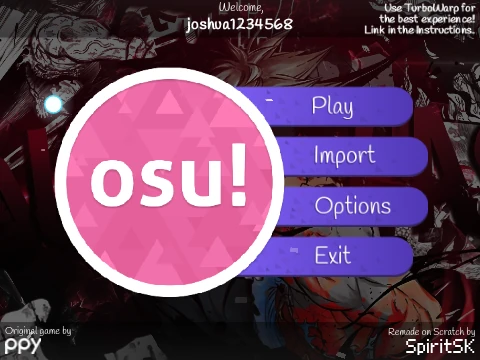
osu!standard Full Remake - Play and Import Beatmaps Online
Dive into the definitive browser-based version of the iconic osu!standard rhythm game with this complete Scratch remake. Praised for its high accuracy to the original, it delivers the authentic “click the circles” experience directly in your web browser. For the full suite of features—especially beatmap importing—you must play this on Turbowarp, which provides the necessary performance and file handling capabilities.
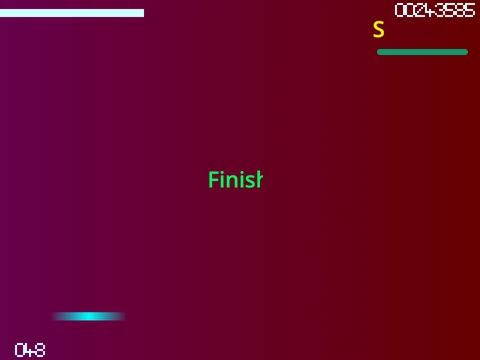
Master the Three Gameplay Elements
This remake perfectly captures all classic osu! gameplay mechanics:
- Circles: Click the circle at the exact moment the shrinking outer ring overlaps it.
- Sliders: Click the start circle, then hold down your mouse button or the Z/X key and follow the moving slider ball until the end.
- Spinners: Hold down a button and rapidly spin your cursor in circles around the center of the screen to fill the gauge.
You can use either your mouse or the keyboard for inputs. Press
P twice to quit a map, use your scroll wheel to adjust volume, and tweak timing with the
- and = keys. Pro tip: press
F11 for a distraction-free fullscreen experience.
The Power to Import Your Own Maps
The most significant feature of this remake is its ability to import beatmaps from the official osu! client. This process, detailed in a step-by-step guide, allows you to take any .osu file from your local osu! Songs folder, prepare the audio and background image, and load it into this online version. This effectively gives you access to your entire osu! library to play in a browser, provided you credit the original beatmap creators. Combined with support for various gameplay mods that alter difficulty, this makes the game an incredibly flexible and powerful tool for practice, casual play, or experiencing osu! on devices where you can’t install the full game.