


osu lazerV36
osu lazerV36: The Ultimate Web-Based Osu! Experience
osu lazerV36 is a comprehensive, browser-based simulator that brings the multi-mode excitement of the official osu!lazer client to your web browser. This impressive project, developed over several months, packs the complete osu! ecosystem into one accessible page, featuring all four core game modes with functional settings and editor tools.
Complete Four-in-One Gameplay
This is not a single-mode demo. osu lazerV36 includes:
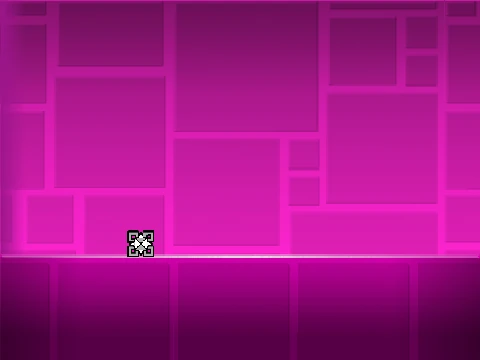
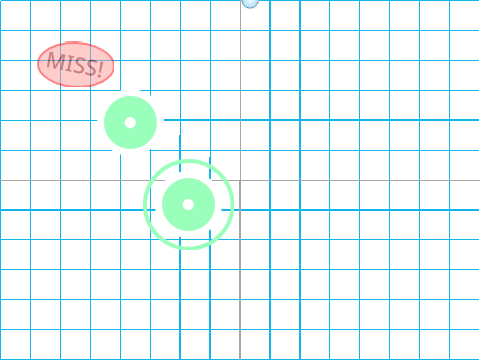
- Osu! Standard: Click circles, follow sliders, and spin spinners with your mouse or Z/X keys.
- Catch the Beat (CtB): Control a catcher to collect falling fruits across the screen.
- Taiko Mode: Simulate drum hits using the D, F, J, K keys for red and blue notes of varying sizes.
- Mania Mode: Play key-based rhythm charts with falling notes in multiple columns.
Critical Performance & Setup Notes
This game requires TurboWarp to run correctly. The standard Scratch player lacks the necessary performance. Use the provided TurboWarp link (with 240 FPS and optimizations enabled) for a smooth, lag-free experience. Inside the game, utilize the offset wizard to calibrate audio delay and toggle the lag reducer for better performance on slower systems.
Advanced Features & Customization
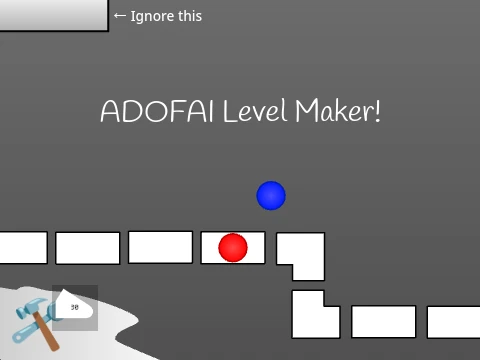
Beyond playing included songs like “Triangles” and “Circles,” you can import your own beatmaps via the green button. Press T to access the in-built map editor controls. The project respectfully credits osu! creator Peppy and key script contributors @-Rex- and @theanonymousweirdo.
Warning: Due to its complexity, this application can be demanding on browser memory. It is advised to save work in other tabs before launching for an uninterrupted session.