Osu Mania V2 v3
Osu Mania V2 v3: Your Customizable osu!mania Scratch Experience
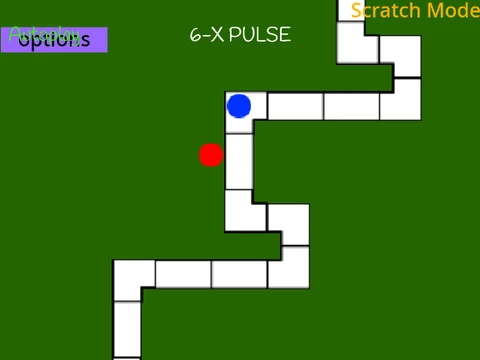
Osu Mania V2 v3 brings the thrilling 4-key rhythm action of osu!mania to your browser, rebuilt within the Scratch platform. This version emphasizes deep customization, allowing you to play with your own visual style and, most importantly, your personal collection of beatmaps.
Core Gameplay & Controls
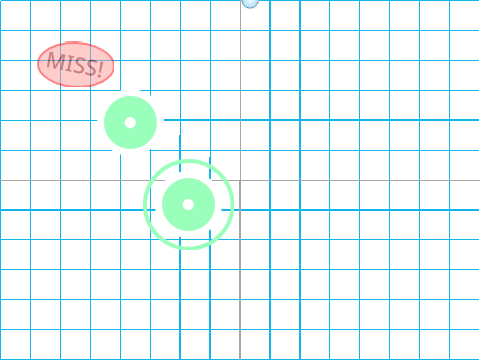
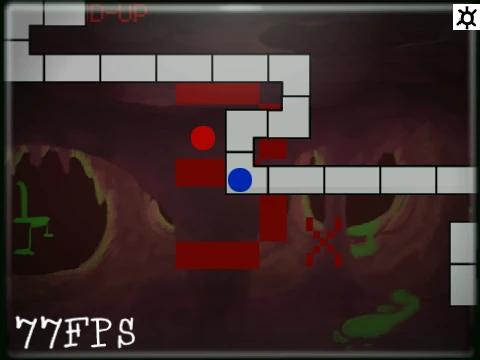
Experience the classic osu!mania gameplay: accurately hit notes as they fall onto the receptor line across four columns. Achieve PERFECT timing for the best scores and remember to hold down the key for long notes. The default control scheme uses D, F, J, and K keys, which you can easily remap in the settings. Press P to instantly exit any map.
Extensive Visual Customization
Personalize your playfield with the built-in skin color options. Use provided RGB color codes like 25500 for a dark orange hue or 2232550 for a bright lime. For a complete overhaul, you can edit the game sprites directly or import your own osu! skin assets. Note: receptor images require specific preparation, needing a 176-pixel height from the bottom for proper alignment.
The Ultimate Feature: Import Your Own Beatmaps
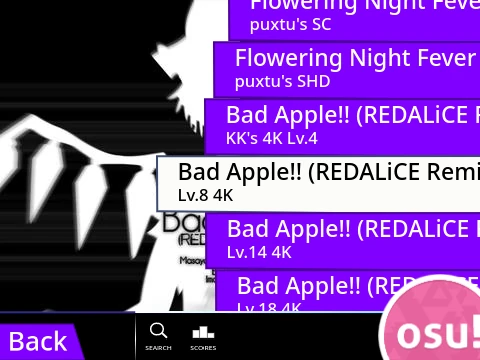
This game’s most powerful asset is the ability to import your existing osu! 4K mania beatmaps. Follow the detailed guide to export your `.osu` file from the official osu! editor, format the data by adding `/n` to each line (using helper sites like pinetools.com), and import it into the ‘Map Master’ sprite. You’ll then add the corresponding audio and background files, creating a fully personalized song library ready to play.
While noted as an inactive personal project adapted from another Scratch creation, Osu Mania V2 v3 stands as a robust tool for osu! enthusiasts who want a tailored, browser-based rhythm game centered entirely around their favorite charts and skins.