Osu Mania V3 Exhaust Lvl 14 Song Pack
Osu Mania V3 Exhaust Lvl 14 Song Pack: Play and Customize 4K Rhythm Game
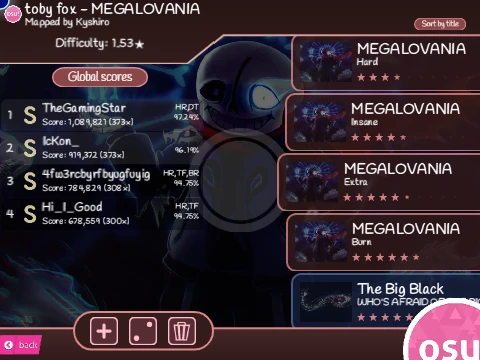
Experience the thrill of osu!mania gameplay online for free with this versatile Scratch adaptation. This project, based on OliBomby's creation, comes loaded with a challenging song pack and, more importantly, a complete guide to importing your own 4K osu! beatmaps. Perfect for browser-based rhythm game sessions at school or home.
Authentic Osu!mania Gameplay in Your Browser
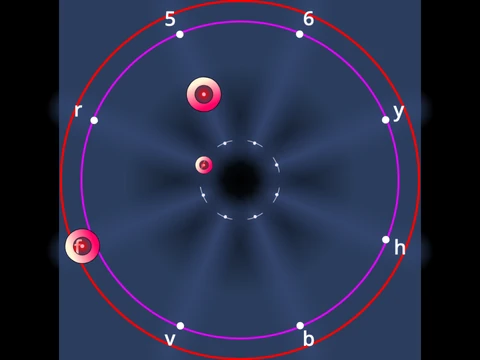
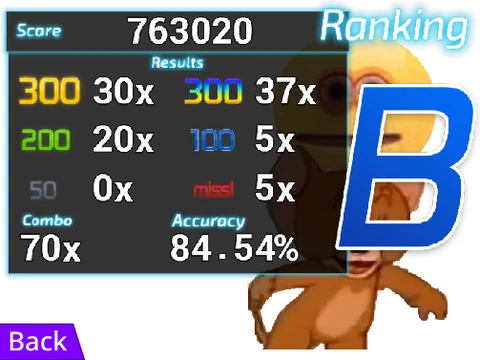
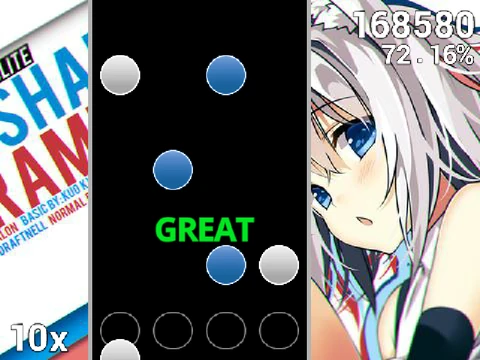
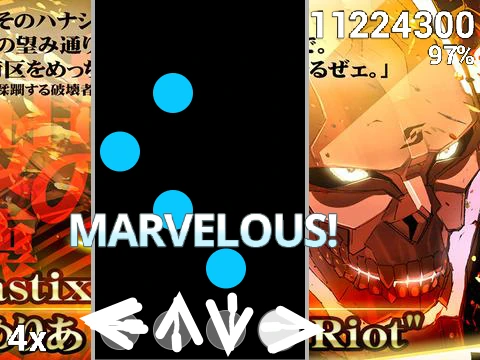
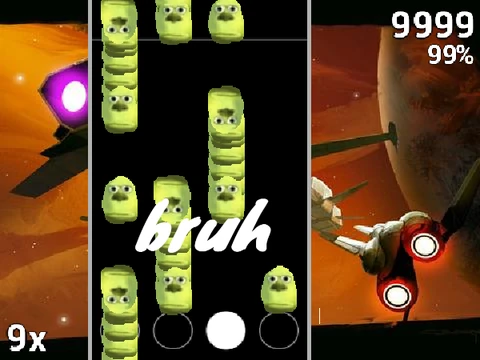
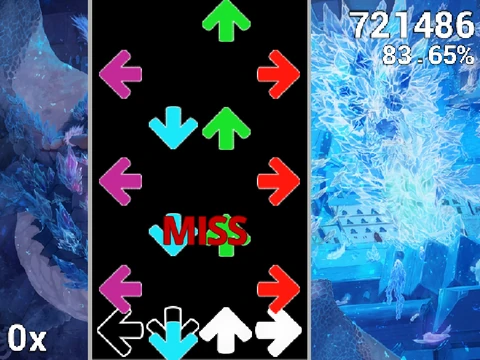
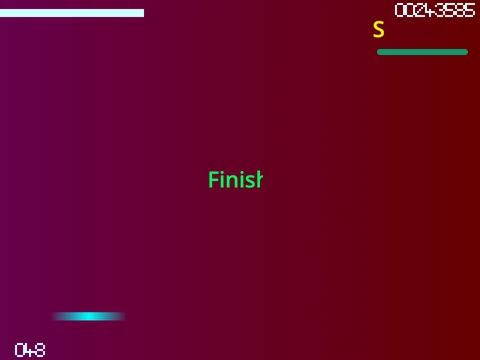
Dive into classic 4-key vertical scrolling rhythm action. Test your timing and precision as you hit notes with the D, F, J, K keys (fully customizable) when they align with the receptors. Master standard notes and hold notes (long notes requiring press-and-hold) to build your combo and score. Press 'P' to instantly quit any map.
Comprehensive Beatmap Import Tutorial
This project's standout feature is its detailed, step-by-step guide to adding custom osu!mania songs. Learn how to:
- Prepare your Scratch project: Clear existing data to manage file size limits.
- Locate and extract beatmap files from your local osu! installation's `Songs` folder (requires a 4K unconverted .osu file, .mp3, and background image).
- Process the .osu file: Convert it to text, remove non-essential [Editor] and [Events] sections, and use online tools to append `/n` line separators for Scratch compatibility.
- Import assets into Scratch: Correctly upload and name the audio file (must include `.mp3`), set up the background image, and use the special code block in the "Map Master" sprite to import the chart data.
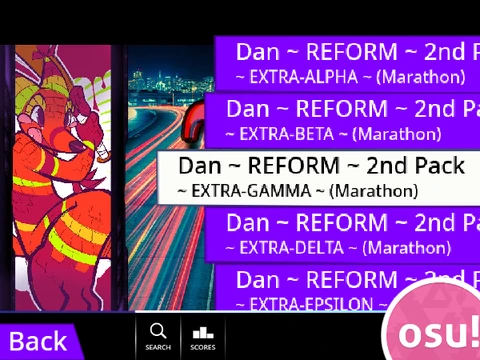
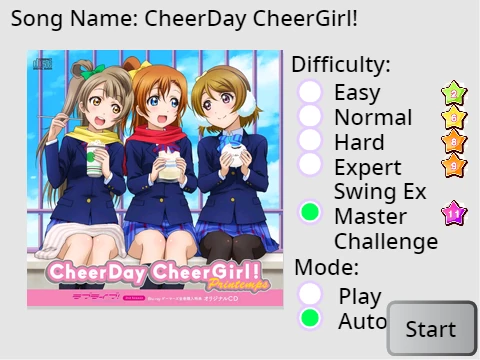
- Add a song selection button by creating a new costume in the "Song Button" sprite with the specific naming format: `SongTitle//DifficultyName`.
Customization and Troubleshooting
Personalize your playfield with 15 provided hex color codes for note skins, ranging from dark orange to royal blue. The guide also includes crucial troubleshooting tips for common issues like blank screens after import, audio not playing (often due to missing `.mp3` in filename), and project size errors from adding too many songs. You can even edit the sprite graphics to import your own osu! skin elements for a fully personalized look.
Whether you're looking to play challenging pre-loaded charts or build your own library of osu!mania maps playable online, this project offers a unique and educational gateway into rhythm game customization directly within your web browser.