Osu Mania V3 remix-2
Osu Mania V3 Remix-2: Play Custom Beatmaps in Your Browser
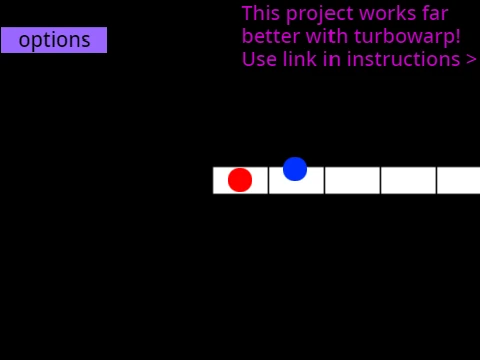
Osu Mania V3 Remix-2 delivers the full osu!mania experience directly in your web browser, completely free and with no download required. Built on Scratch and optimized for platforms like Turbowarp, this game is the perfect solution for playing rhythm games on restricted computers at school or work, offering smooth, high-FPS gameplay.
Core Rhythm Gameplay & Controls
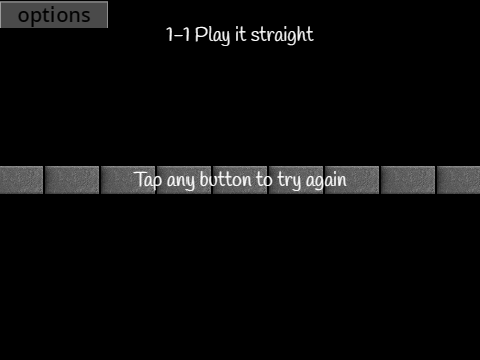
Master the classic 4-key osu!mania gameplay. As notes descend in four columns, you must press the corresponding keys (default D, F, J, K) with precise timing when they reach the receptors. The game features both tap notes and hold notes that require sustained presses. All keybindings are fully customizable in the options menu, and you can instantly exit any song by pressing (P).
Deep Customization: Skins & Colors
Personalize your playfield with a variety of visual options. Use the provided color codes to change your skin's hue to anything from dark orange (25500) and indigo purple (100149237) to lime (2232550) or deep blue (1352220). For advanced customization, the game supports importing complete custom skins by modifying the project sprites, allowing you to use assets from your favorite osu! skins.
Import Your Own Beatmaps (Full Guide)
This game's standout feature is the ability to add your own osu!mania beatmaps. The included tutorial guides you through the entire process:
- Start with any 4K osu!mania beatmap from the official game.
- Prepare the .osu file by formatting it for Scratch compatibility using online tools.
- Upload the matching audio file (.mp3) and background image to the project.
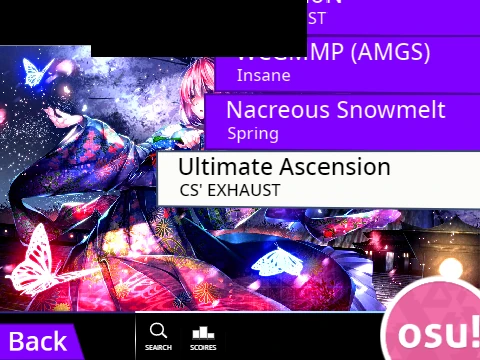
- Use the in-game import tools within the 'Map Master' sprite to add the chart data.
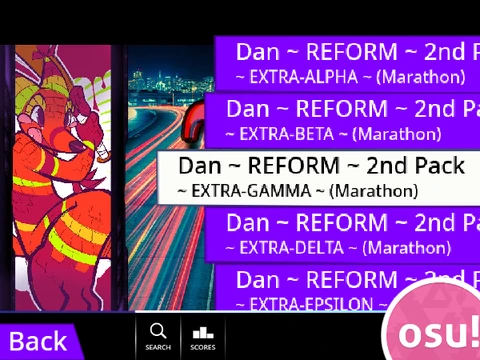
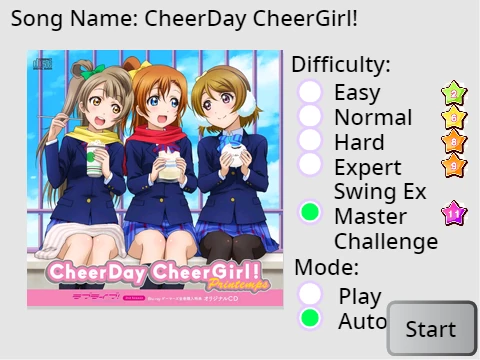
- Finally, create a menu entry for your song by adding a costume with the specific naming format:
"SongTitle//DifficultyName".
This transformsthe game from a fixed experience into a personalized, ever-expanding library of your favorite rhythm charts, all playable online.