Osu Mania V3 remix v7
Osu Mania V3 remix v7: The Ultimate Customizable Rhythm Experience
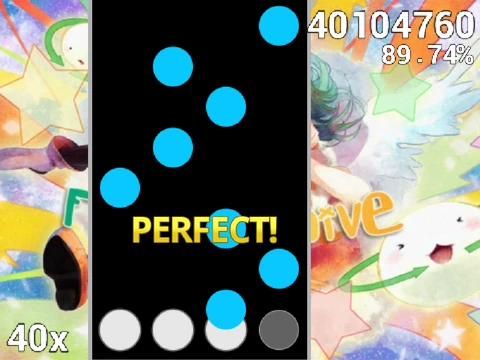
Step into the ultimate customizable osu!mania experience with Osu Mania V3 remix v7. This rhythm game powerhouse allows you to not only play but also import your entire library of osu!mania beatmaps and skins directly into your browser.
Core Gameplay & Controls
Master the classic 4-key rhythm gameplay. Hit the falling notes using the default D, F, J, K keys at the precise moment they reach the receptor line for the highest score. Hold down longer, sustained notes and release at the end. All control keys, including the handy instant map quit (P key), are fully customizable in the options menu to match your preferred layout.
Unlimited Customization: Add Your Own Beatmaps
The game's standout feature is its powerful beatmap importer. A comprehensive guide walks you through adding any osu!mania .osu file:
- Clear existing maps and prepare the project.
- Process your .osu file (using the provided online text tool) by adding "\\n" to each line for Scratch compatibility.
- Import the converted data, then add the matching audio file and background image.
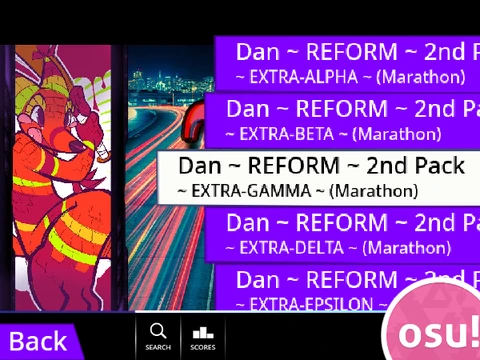
- Create a new song entry with the format "Title//Version" to display your map in the menu.
This process effectively turns the game into a personal osu!mania player with your entire song collection.
Fully Customizable Visual Skins
Personalize the game's look by importing any standard osu! skin assets. You can edit the in-game sprites directly or add entirely new skin sets. For a perfect fit, receptor images need a simple crop to 176 pixels from the bottom to center the hit area. To activate a new skin, create sprites named like "(skin-name)-(sprite-name)" and edit the Option Note Skin selector. This level of visual customization ensures the game feels uniquely yours.
Osu Mania V3 remix v7 transcends being just a game; it's a flexible rhythm game platform that empowers you to play, create, and customize without limits, all for free in your web browser.