Osu Mania V3 with FNF
osu!mania V3 with FNF: A Rhythm Game Crossover
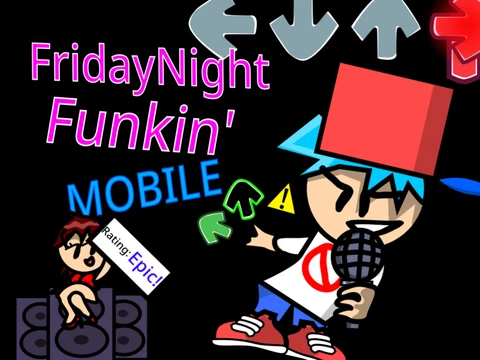
Experience a exciting fusion of two popular rhythm games with osu!mania V3 with FNF. This unique Scratch project combines the precise, lane-based gameplay of osu!mania with the distinctive visual style and assets from Friday Night Funkin' (FNF), featuring custom character vectors and arrow graphics created by community members.
FNF-Themed Gameplay & Controls
Jump into the familiar 4-key action. Hit incoming notes with the D, F, J, and K keys, making sure to hold down for any long hold notes. You can remap all controls to your preference. To immediately stop playing a beatmap, simply press the (P) key. For the smoothest performance, playing on TurboWarp or forkphorus is highly recommended.
Customization Options
The game includes a detailed, multi-page options menu for configuration. One standout feature is the skin color customization, which uses specific numeric codes to change the appearance of the notes. Available colors include rose pink (24517665), indigo purple (100149237), yellow-orange (2551910), and lighter green (203354).
Extend Your Game: Add Beatmaps & Skins
This isn't just a themed clone; it's a fully extensible rhythm game platform.
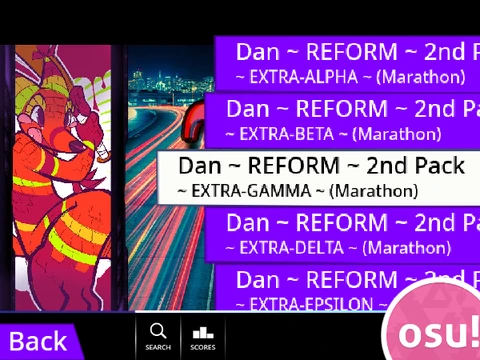
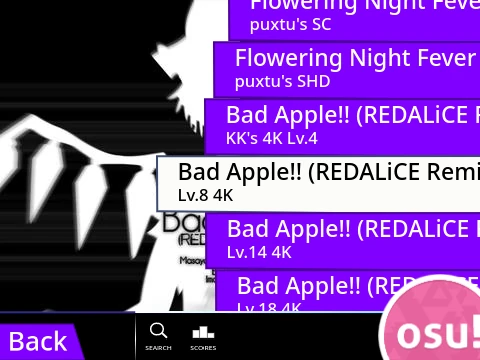
- Import Custom Beatmaps: Follow a clear, step-by-step guide to add your own 4K osu!mania beatmaps to the game. The process covers everything from locating and preparing your .osu file in the osu! editor, formatting it for Scratch, to finally importing the data, music, and background image.
- Create Custom Skins: Take personalization further by designing your own skins. You can import standard osu! skin image files. The guide provides a key tip for receptor images, which need to be cut to 176 pixels from the bottom to ensure they align correctly in the gameplay lane.
osu!mania V3 with FNF offers a fun, themed starting point that expands into a powerful tool for playing and creating your own rhythm game content online.