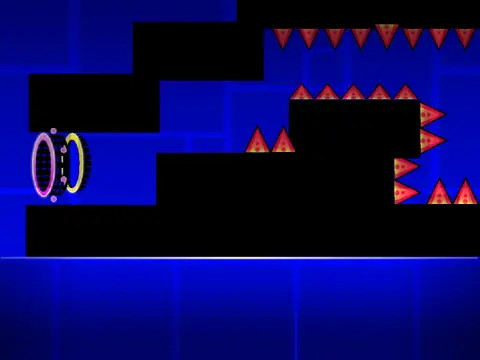
geometry dash level editor - 2.1 second remix
Welcome to the Ultimate Fan-Made Geometry Dash Level Editor
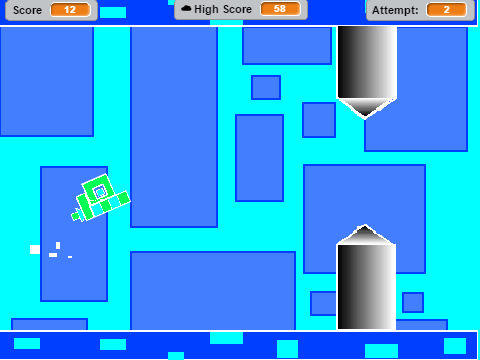
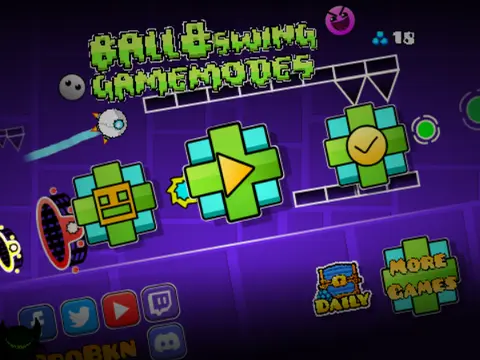
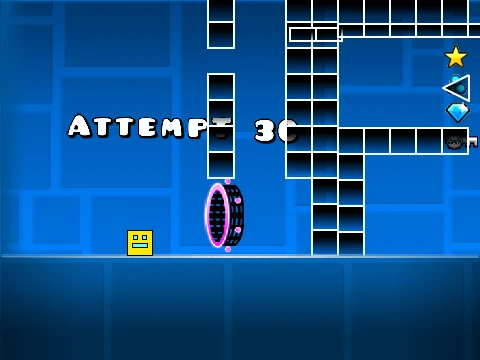
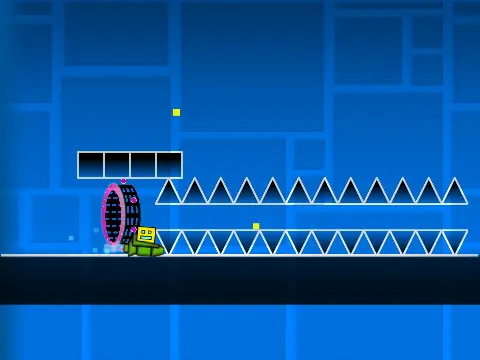
Welcome to a comprehensive and fan-made Geometry Dash level editor, celebrating the excitement of version 2.1! This robust tool empowers you to create, design, and play your own custom levels entirely within your browser. Dive into a dual-mode system: seamlessly switch between the intuitive editor for building and the play mode for testing your creations using the Z and M keys.
Intuitive Controls for Playing and Building
Player controls are straightforward and versatile. Simply click to jump, fly, flip gravity, or activate orbs. For advanced testing, press I and O to toggle a ‘no-clip’ option, allowing you to move through objects freely. The end screen features a voting system using keys 0 through 9. When fine-tuning difficult sections in practice mode, press Z to place a checkpoint and master challenging sequences.
Powerful Editing Toolkit
The editor itself is packed with features for detailed creation. Cycle through different block categories with keys 1 and 3, and browse items within each menu using 4 and 5. Use key 2 for the eraser tool. Access settings with I and O, and dive into the debug menu with O and P. Placement is as simple as clicking. Rotate placed objects with R, or make precise 45-degree adjustments with T. Press E to bring up advanced rotation and nudge controls, which can be reset to default with R and O. Additional menus for triggers (F), detection settings (B), and block picking (Z) provide granular control. Saving your progress is done by pressing 9, while 0 loads your work.
Save, Customize, and Evolve Your Levels
Remember, the project itself is your save file – remix it initially and save the project periodically to secure your level data. You can also customize your level’s soundtrack by editing the backdrop’s music.
A Rich History of Features
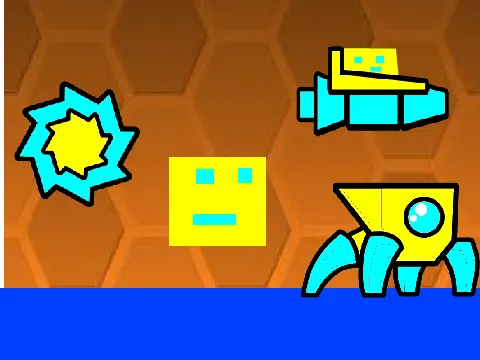
This editor has seen significant evolution. The major 2.0 update revolutionized it with save codes, move/alpha/instant count triggers, keys, coins, colored blocks with glow, teleport portals, 3D objects, thorns, the swing copter, and more. Subsequent patches fixed the ball gameplay, added size triggers, lasers, and breakable blocks. The latest 2.1 version further refines the experience with a stable movement script, the addition of orange orbs, camera triggers, green jump pads, and revamped particle effects.
For tips and community guidance, check out the dedicated resource at https://scratch.mit.edu/projects/543078285/. Unleash your creativity and build the Geometry Dash levels you’ve always imagined!