osu E
Osu E: When Scratch Meets osu! Standard
Okay this one's ambitious - a osu standard FULL remake... on Scratch. Then ported to TurboWarp for better performance. The description is blank but the instructions are ENORMOUS, which tells you everything: this is a serious project with serious features.
We're talking osu gameplay that's "highly accurate to the actual osu! game" including hit circles, sliders, AND spinners. Beatmap import from actual osu! files. Mods for gameplay. This isn't some simplified version - this is someone trying to recreate the entire experience in a browser.
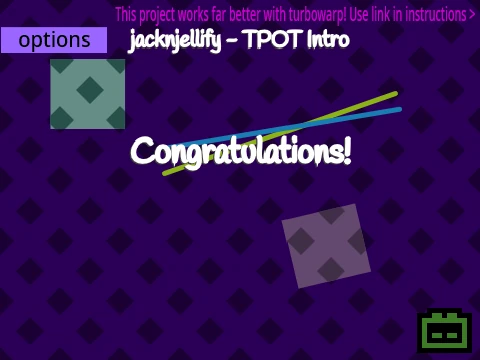
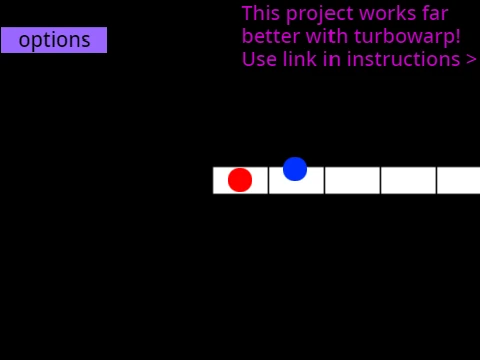
🚀 CRITICAL PERFORMANCE NOTE: The creator
strongly recommends playing on
TurboWarp here for the best experience. Scratch can be slow for rhythm games, TurboWarp fixes that. Also press F11 (Windows) for fullscreen - you'll want that.
The moment you realize your tablet area was 2mm off-center for months and everything suddenly feels right? That's the level of detail here. Someone paid attention to how osu! actually feels to play, not just how it looks.
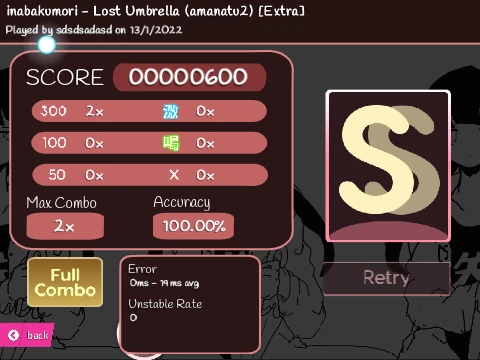
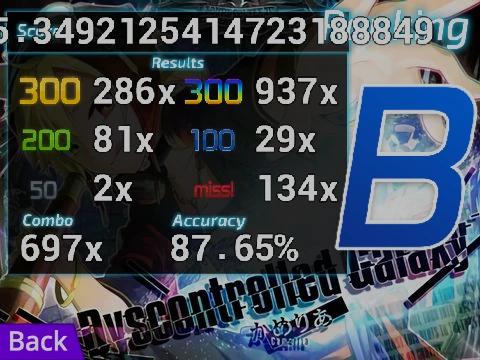
Getting a new high score by exactly 1 point - the game acknowledges your microscopic improvement. With accurate gameplay mechanics, those tiny improvements actually matter. The difference between a 300 and a 100 becomes tangible, not just visual.
When your fingers "lock in" during a stream and tap with mechanical precision you didn't know you possessed... that's what accurate gameplay enables. This remake seems to aim for that feeling.
✨ BEATMAP IMPORT GUIDE (It's Detailed)
This is the killer feature: import your actual osu! beatmaps. Here's the condensed version:
- Use TurboWarp (not regular Scratch)
- Prepare .osu file as .txt (find it in AppData > Local > osu! > Songs)
- Upload audio file into the project (sprite called "Audio Files")
- Upload background image (sprite called "Background")
- Import the beatmap through the in-game menu
- Enter filenames (without extensions!) when prompted
IMPORTANT: ALWAYS credit the original beatmap creator! The instructions emphasize this multiple times.
🎮 How to Actually Play
- Circles: Click when outer circle touches inner circle (timing matters!)
- Sliders: Click, hold mouse button/Z/X, follow to end
- Spinners: Hold button, spin cursor around center in one direction
- Controls: Mouse button, Z, or X to click | P to quit (double click) | Scroll for volume
If you're wondering: How do I interpret my score (300, 100, 50, miss)? This version should replicate that accurately. What is "aim" in osu and how do I improve it? Play this with mouse like standard mode. What are the basic controls for osu!standard? Mouse/Z/X clicks, that's covered here.
Imagine A mapper/creator who spends more time in the editor than playing working During a live stream with audience interaction trying to Create and submit first beatmap with the challenge of Playing with custom client/features. This game IS that custom feature - a whole remake!
The writing tone should be Like a technical guide optimizing settings because there ARE settings to optimize here - TurboWarp vs Scratch, beatmap importing, mod selection...
The 3 AM "one more try" that turns into a sunrise victory, fueled by stubbornness and cheap energy drinks. With beatmap import, you can play YOUR favorite songs at 3 AM, not just whatever comes with the game.
Buying your first tablet and watching your rank plummet for two weeks as you relearn everything. This browser version probably works best with mouse, but the principle stands - new interface, new learning curve.
Creating a skin that finally makes sliders readable, and feeling like you've solved a personal puzzle. Since this is a remake, visual clarity was probably a priority in development.
The mods mentioned are intriguing - "more will be added" suggests ongoing development. This isn't a static project; it's evolving, improving, adding features based on what players want.
So why choose Osu E over other browser versions? Accuracy. Depth. Customization. The ability to play YOUR music with YOUR beatmaps in a browser. It's not the simplest option, but for players who want something close to the real osu! experience without downloading anything, it might be the closest thing available.
Just remember: TurboWarp link, F11 for fullscreen, and always credit beatmap creators. The details matter in rhythm games, and this version seems to understand that.