Osu Mania V3 BEWARE
Osu Mania V3 BEWARE: The Ultimate Customizable 4K Rhythm Experience
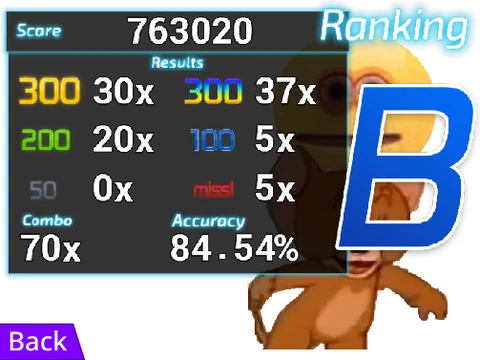
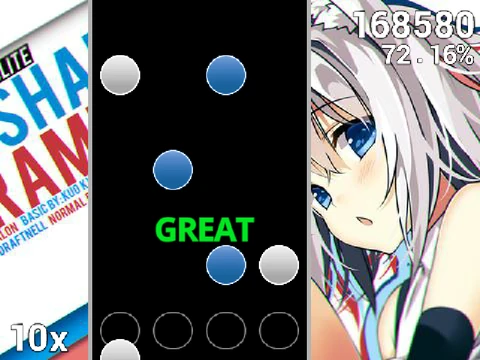
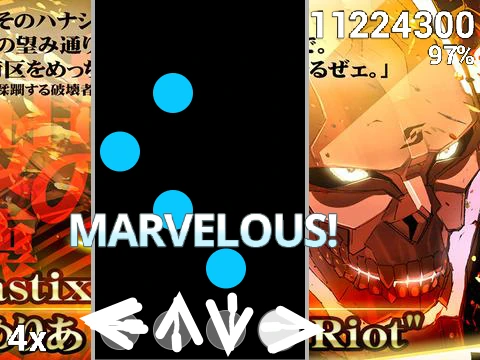
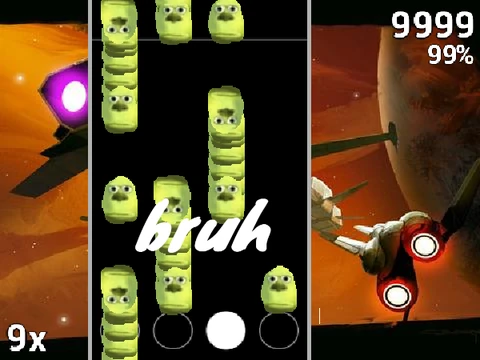
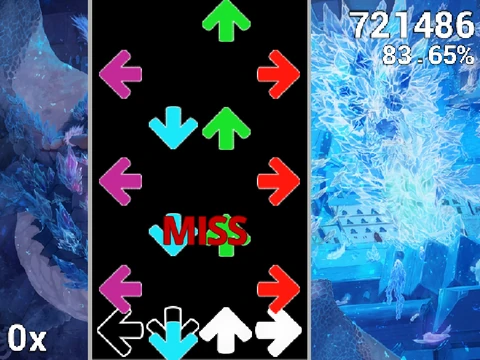
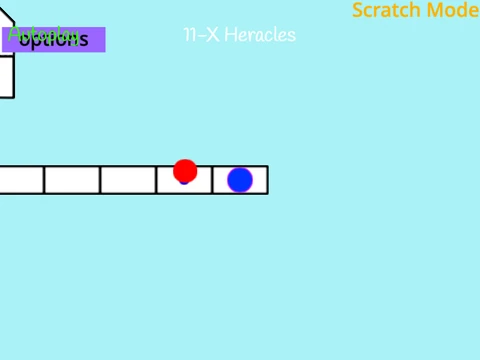
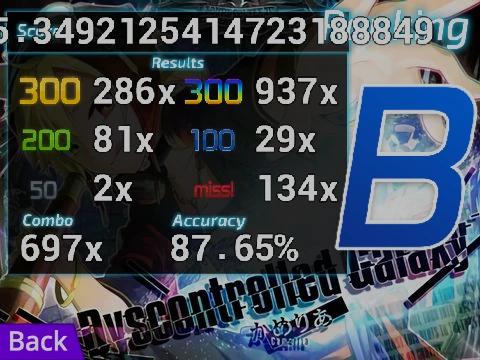
Step into the high-speed world of osu!mania with this fully-featured, browser-based simulator. Osu Mania V3 BEWARE replicates the thrilling 4-key vertical scrolling gameplay that challenges your coordination and timing to the limit. Notes stream down four distinct columns, and you must strike the correct key precisely as they reach the target line. Master both quick taps and sustained hold notes to climb the leaderboards. The game offers unparalleled flexibility, from control schemes to complete visual and content overhauls.
Precise Controls & Gameplay
The default key bindings are D, F, J, and K, each corresponding to a column from left to right. Press the key on the exact moment a note aligns with the receptor for an optimal score. For long, extended notes, press and hold the key, releasing only when the tail ends. If a song proves too difficult, simply press P to quit instantly. All these keys can be remapped in the options for a personalized setup.
Deep Customization: Skins & Colors
Tailor the game's aesthetics to your liking. Choose from 16 predefined skin colors using specific RGB codes, such as 2551910 for a yellow-orange hue or 1352220 for a deep blue theme. For more radical changes, you can import custom skins. The game allows you to edit sprite appearances or use assets from official osu! skins. A key requirement for custom receptors is cropping the image to 176 pixels in height from the bottom to ensure proper alignment.
Build Your Own Song Library
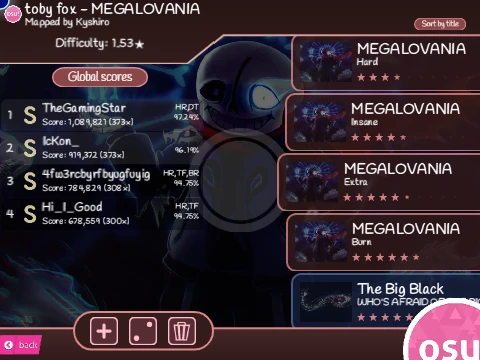
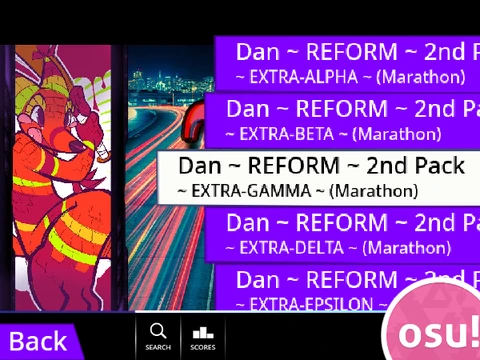
This game's most powerful feature is the ability to import your own osu!mania beatmaps. If you have a 4K map in the official osu! client, you can bring it here:
- Locate the map's
.osu file via the osu! editor.
- Copy its contents and add
/n to the end of every line (using a text tool like pinetools.com).
- Remove the
[Editor] and [Events] sections and verify the AudioFileName.
- Import the processed data into the "Map Master" sprite.
- Add the matching audio file and background image to the game.
- Create a new song button by adding an outfit named in the "Title//Version" format.
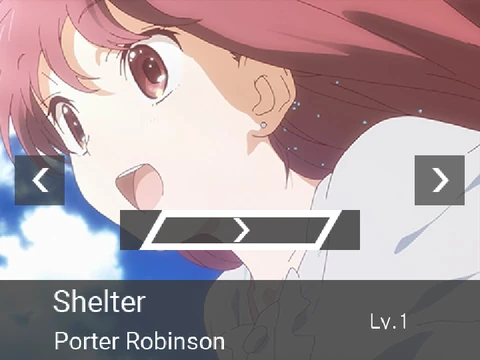
This process transforms the game from a fixed collection into your personal, ever-expanding rhythm game hub.