Osu Mania V4 remix
Osu Mania V4 Remix: A Fully Customizable Browser Rhythm Game
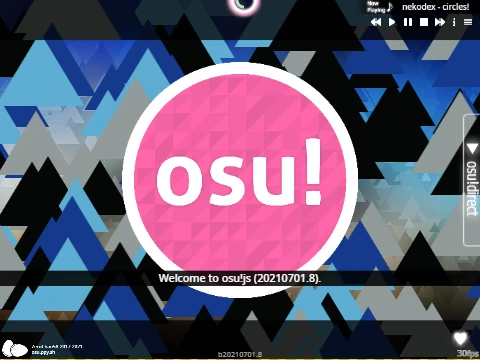
Osu Mania V4 Remix elevates the free online rhythm game experience by putting powerful customization tools directly in your hands. This browser-based osu!mania simulator is not just about playing pre-made charts; it's about building your own perfect rhythm game environment, from controls and colors to the entire song library.
Precise 4-Key Gameplay & Remappable Controls
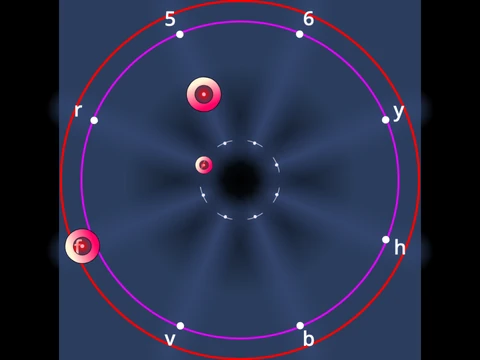
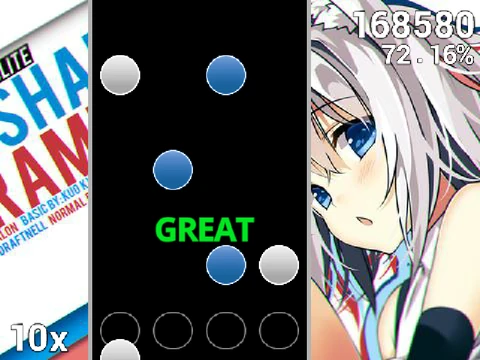
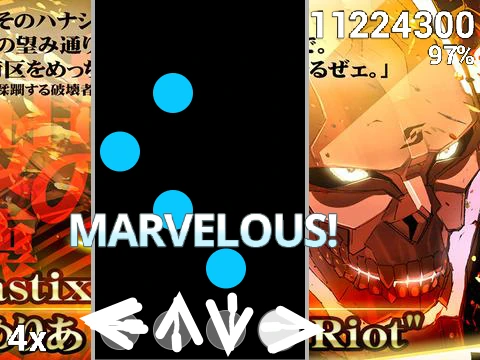
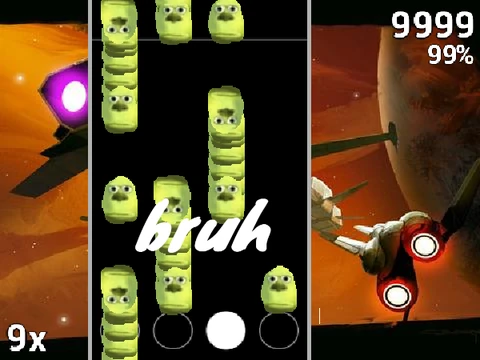
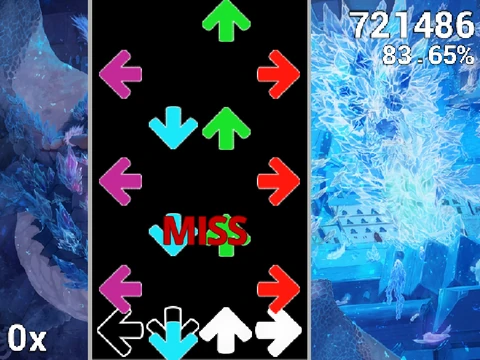
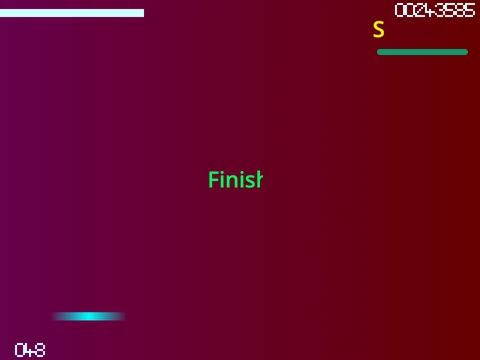
Engage in authentic osu!mania gameplay. Watch as notes stream down four columns, and strike them with perfect timing using the D, F, J, K keys. Master both simple taps and long hold notes that require sustained pressure. The (P) key serves as an instant map quit function for those overly challenging sections. Crucially, every action key is fully remappable in the options, allowing for a personalized control scheme that maximizes your comfort and performance.
Visual Customization: Skins & Color Codes
Personalize your playfield's look with an advanced skin color option. By entering specific numeric codes, you can apply one of 16 vibrant colors. The palette includes:
- Dark Orange (25500)
- Indigo Purple (100149237)
- Lime (2232550)
- Rose Red (23311681)
- Emerald Green (1296565)
- Deep Blue (1352220)
This is just the beginning—the game supports importing complete custom skin sets for total visual overhaul.
Build Your Own Song Library: Beatmap Import Guide
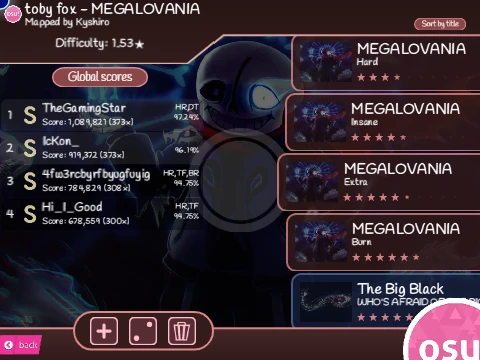
The standout feature of Osu Mania V4 Remix is the ability to import your own beatmaps. Follow the detailed 8-step guide to add any 4K chart from the official osu! game:
- Remix the project and locate the 'Map Master' sprite.
- Clear existing data and prepare to add your song.
- Find your beatmap's folder via the osu! editor.
- Copy the content of the .osu file.
- Format the file by adding "/n" line breaks using an online tool.
- Use the code blocks to import the formatted chart data.
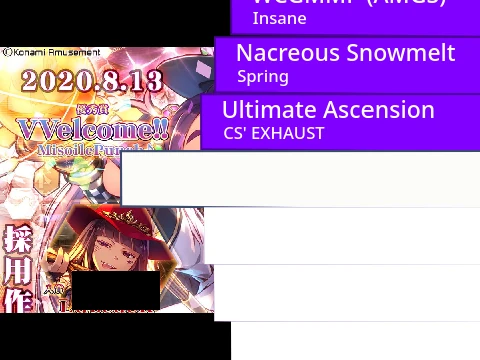
- Upload the matching audio file and background image (names must be case-sensitive).
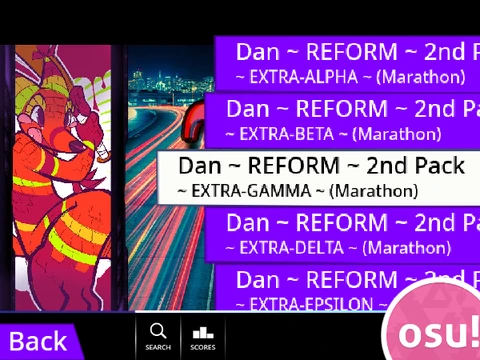
- Create a song selection button by adding a costume named in the format:
"Title//Version".
This process transforms the game into your personal, limitless rhythm game collection.
Create & Import Custom Skins
Go beyond colors and design every visual element. The guide explains how to edit the game sprites to create new skins. You can even import assets directly from existing osu! skins. A key technical note: receptor images need to be cropped to 176 pixels in height from the bottom to align correctly. By following the sprite naming convention "(skin name)-(sprite name)" and updating the "Option Note Skin" sprite, you can add entirely new skin packs to the game's menu.